
Shipping Carrier Update: Why We Integrated EasyPost Instead of Pirate Ship
Hey everyone,
We wanted to share an important update regarding our shipping carrier integrations in The Print Life Software.
Many of you have asked about integrating directly with Pirate Ship. We initially intended to bring Pirate Ship into the software and thought it would be an option for our community. However, as we dug into the technical side, we ran into a hard stop: Pirate Ship does not offer a public API or integration options for third-party SaaS platforms.
Because Pirate Ship doesn't support third-party software connections, a direct Pirate Ship integration simply isn't possible.
Enter EasyPost: A Superior Solution for Print Shops
To give you the seamless shipping experience you need, we integrated EasyPost alongside ShipStation!
After building and testing the system, EasyPost is actually a significantly better solution for print shops overall. Here is why:
1. Bring Your Own Carrier Accounts (Negotiated Volume Discounts)
If you’ve been in business for a while and have established volume discounts with UPS, FedEx, or other carriers, you don't lose them! With EasyPost:
- You can connect your existing carrier accounts directly into your EasyPost dashboard.
- Those exact negotiated rates flow straight into The Print Life Software. You get to keep your hard-earned pricing while managing all your quoting and fulfillment in one place.
2. Discounted Commercial Rates Out-of-the-Box
Don’t have private high-volume carrier contracts? No problem at all. EasyPost provides deeply discounted commercial base rates for USPS and UPS right out of the box with zero shipping volume minimums.
3. Seamless Multi-Carrier Quoting & Fulfillment
- Quote Builder: Pull live USPS and UPS rates directly onto your customer quotes with automatic handling markups.
- Store Wave Fulfillment: Our Pack & Ship station generates 4×6 thermal labels in seconds, tracks packages, and sends tracking notifications to your customers automatically.
(Note: For shops currently using ShipStation, that integration remains fully active and supported in The Print Life Software!)
How to Get Connected (Quick 2-Minute Setup)
Setting up EasyPost is fast and simple:
- Create an Account: Head to EasyPost.com and sign up for a free account.
- Add Funds to Your Wallet:
- EasyPost uses a prepaid postage wallet to purchase labels. In your EasyPost dashboard under Billing, add initial funds to your account (e.g., $20, $50, or $100).
- Tip — Enable Auto Top-Off: Link a payment card and turn on Automatic Recharge / Top-Off (for example, automatically recharge $50 whenever your balance falls below $20). This guarantees your thermal printer will never stop in the middle of a big fulfillment run because of an empty balance!
- Grab Your API Key: Go to Account Settings → API Keys in EasyPost and copy your Production API Key (starts with
EZAK...). - Connect to The Print Life Software:
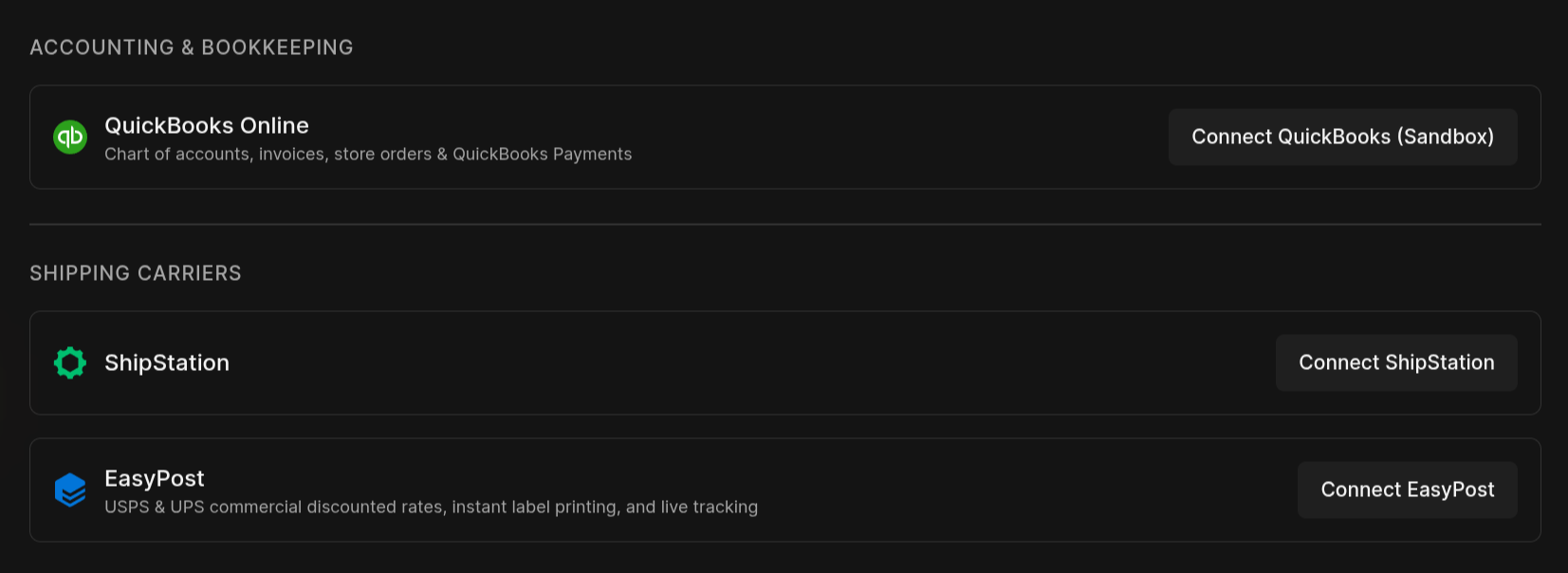
- Navigate to Finance & Settings → Settings → Connections.
- Under Shipping Carriers, click Connect EasyPost, paste your key, and you're good to go!
Thank you all for your patience and feedback. We are confident you’re going to love how fast, flexible, and automated shipping is in The Print Life Software with EasyPost!